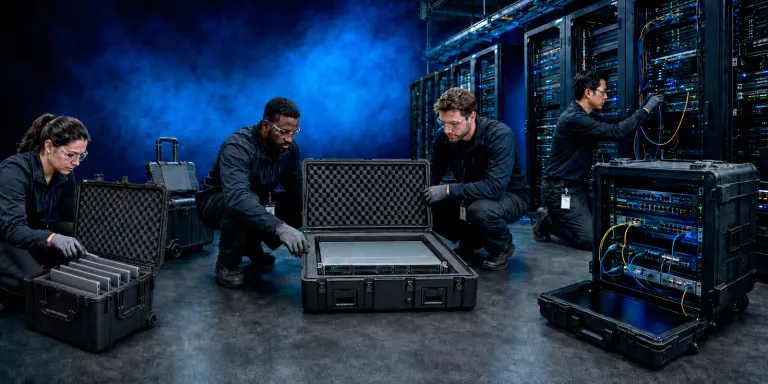
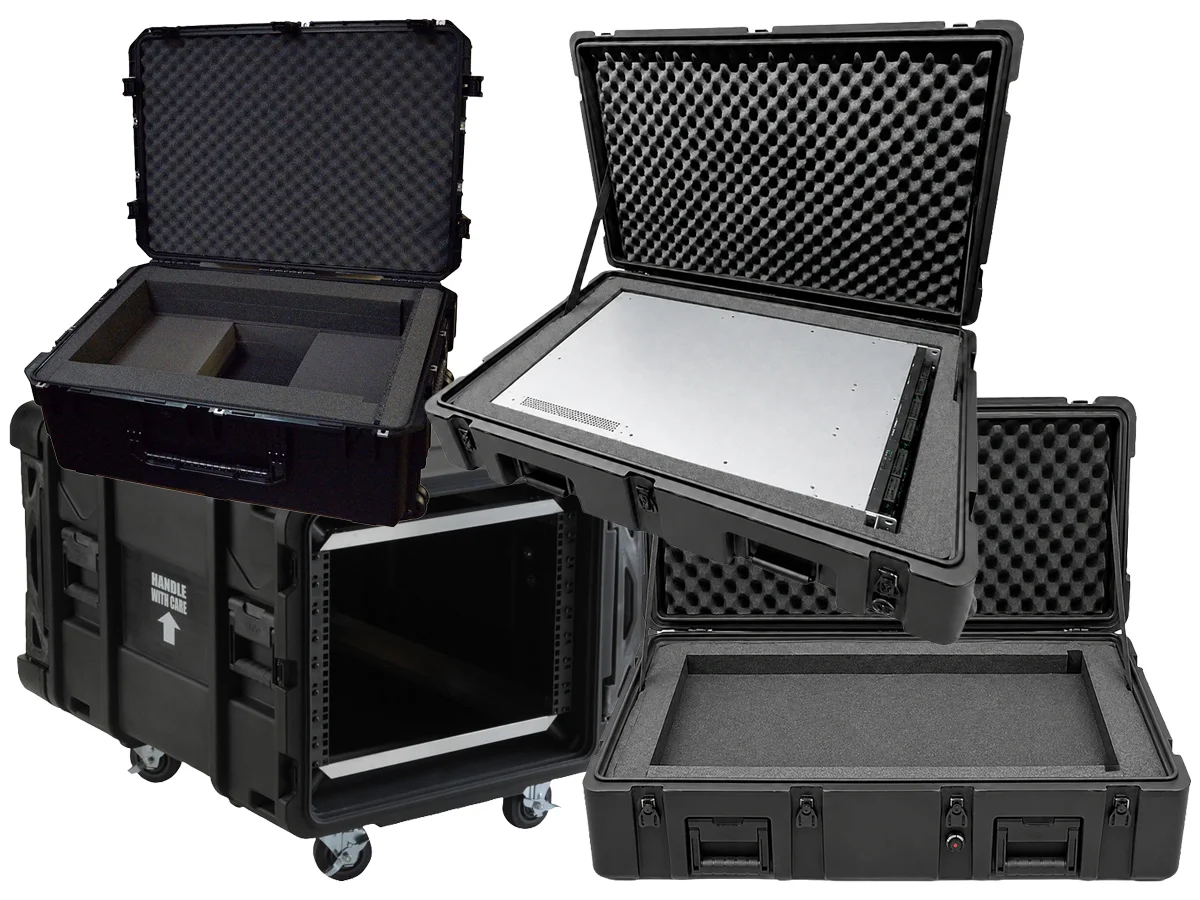
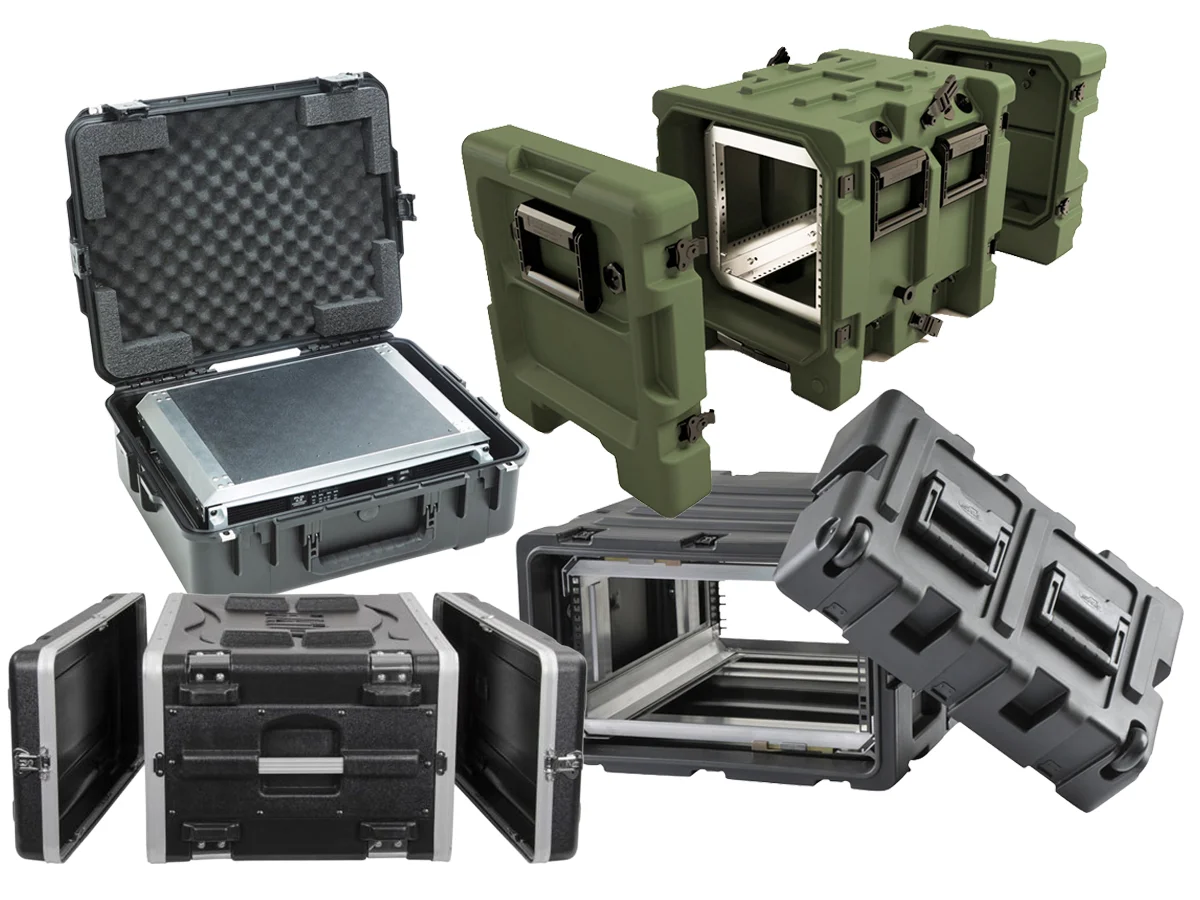
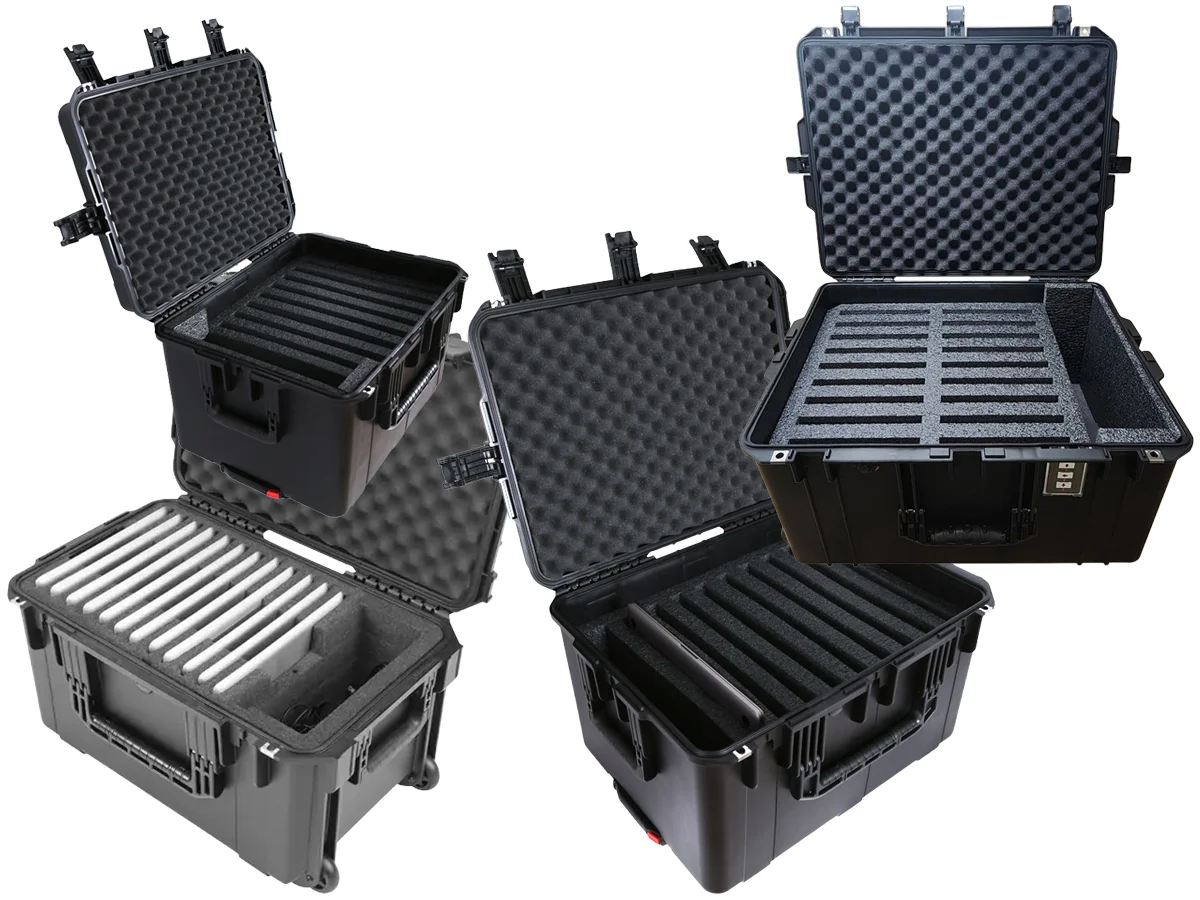
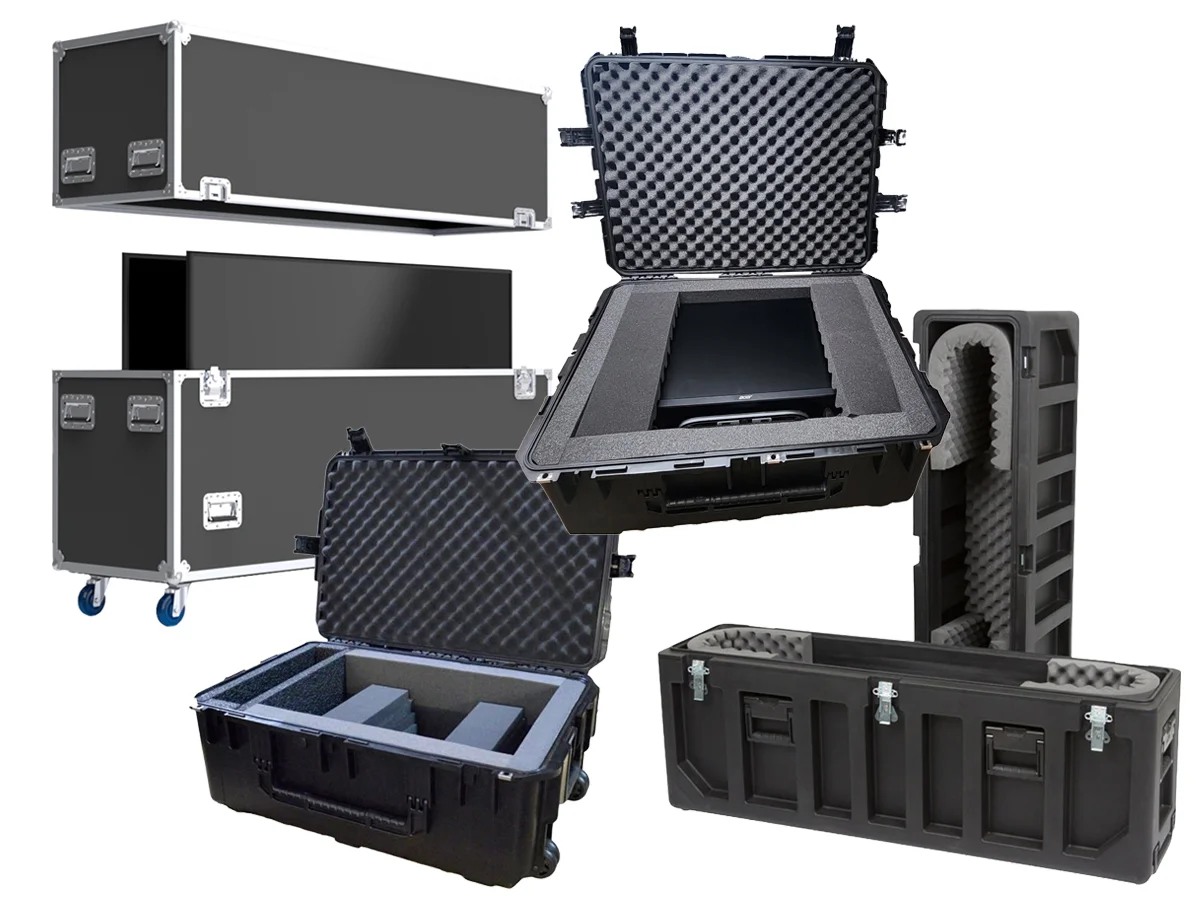
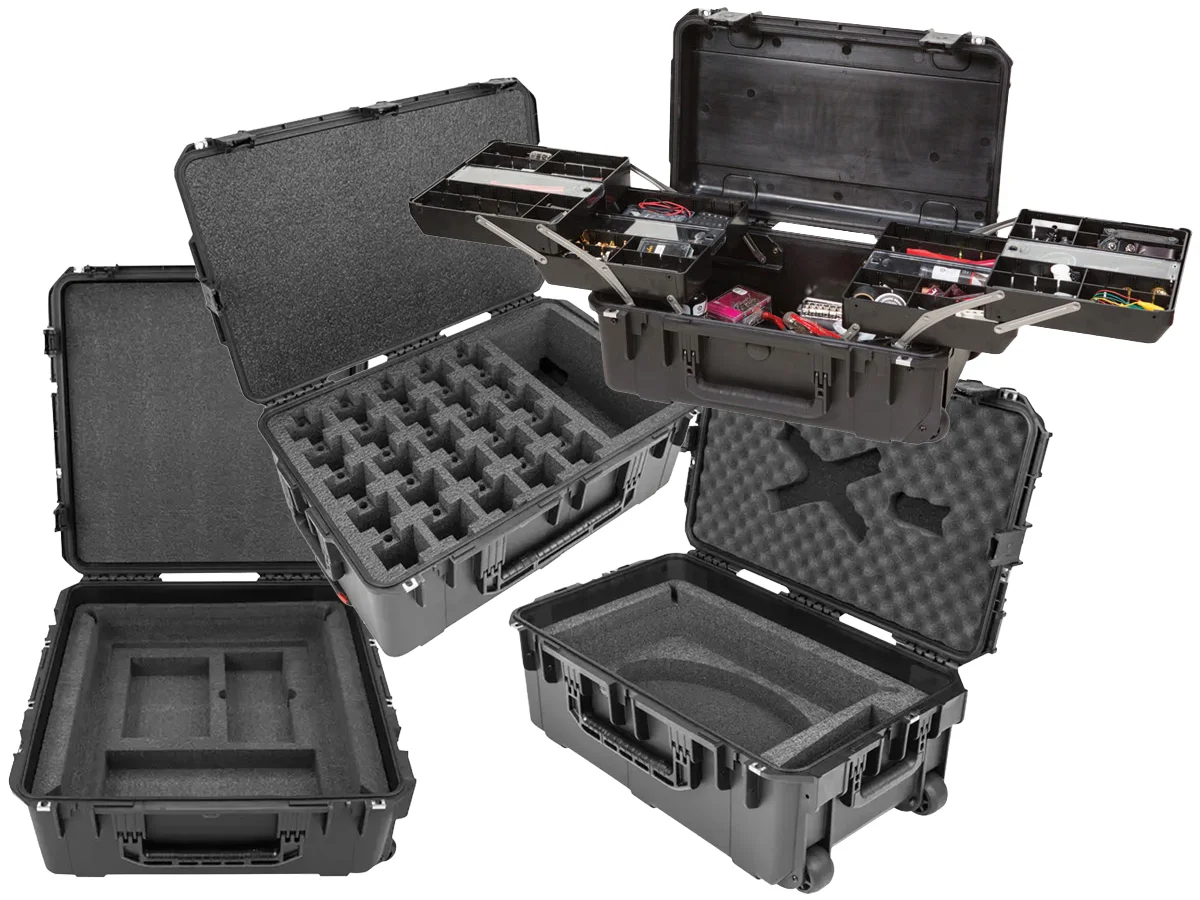
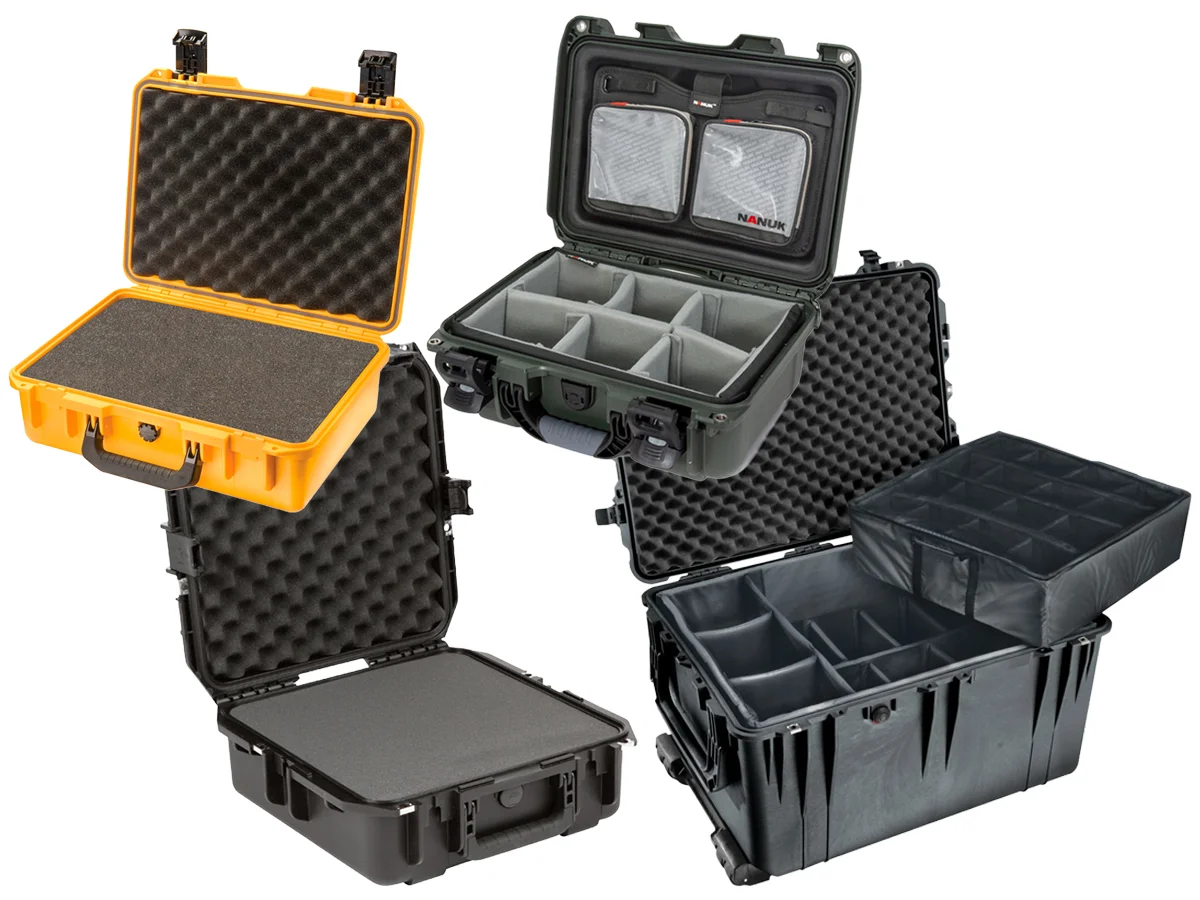
IT, data center, and telecom cases move servers, network gear, laptops, displays, and field connectivity kits safely between data centers, offices, and remote sites. Our own Specialty Cases server shipping cases, multiple laptop and tablet cases, and display cases lead the page, with SKB and Gator rack cases, SKB Field-Ready Starlink cases, and waterproof technician kits from SKB, Pelican, and Nanuk.
Specialty Cases IT Deployment Cases
Built for Data Center Moves and Device Rollouts
Server & Rack Cases • Laptop, Tablet & Display Cases • Starlink & Field Kits
Our own server, laptop, tablet, and display cases lead, built for the way IT teams move and deploy equipment.
Data Centers & Colocation • Corporate IT & MSPs • Telecom & Field Network Teams
Moving a server? Match rack units, rack depth, and loaded weight first, then choose shock isolation for anything that ships by freight.
Shop by Mission Servers, Network Racks, Laptop Deployment, Displays, Telecom Connectivity, and Field Technician Kits each have their own section below, with filters to narrow by equipment type.
IT deployment cases
Cases Organized by Mission
Use this page to narrow cases by the equipment your team moves. Each mission below opens this page filtered to that equipment type, and the filters on the left narrow further by brand, rack units, interior, wheels, and certification.
Shop by mission
Shop IT and Telecom Cases by Mission
Start with the mission, then narrow by size, rack units, and interior. Each card opens this page filtered to that equipment type.
A good IT case starts with the equipment, then how it ships, then how many units move at once.
1. Measure the Equipment
For rack gear, count rack units and measure from the front rail to the back of the deepest unit, including connectors. For devices, measure each one closed and in its cover.
2. Match the Shipping Method
Freight and courier shipping call for shock isolation and stronger shells; office-to-office moves can use lighter carrying cases.
3. Plan for Quantity
Multi-device cases cut the number of boxes to track during a rollout, and matching cases make staging and inventory faster.
IT and telecom case FAQs
Common IT and Telecom Case Questions
How do I size a server case?
Start with the server height in rack units, then measure the chassis depth including rails, handles, and rear connectors. Compare that depth to the usable rack depth listed for the case, and allow for the loaded weight.
When should a server ship in a shock rack?
Choose a shock rack when servers or storage ship by freight or courier. The frame floats on isolators inside the outer shell, so impacts and vibration are absorbed before they reach drives and components.
Can one case hold laptops of different models?
Yes, when every device fits the slot size. Measure each model closed and in its cover. For mixed fleets, a custom foam layout may give a better fit than one repeated slot size.
Do you provide Section 889 documentation?
Yes. Section 889 of the FY2019 National Defense Authorization Act restricts federal purchases of certain telecommunications equipment. Our Section 889 compliance form is available for download for government and contractor purchases.
Can Specialty Cases support a large rollout?
Yes. Share the equipment, quantity, and schedule, and our team can recommend cases, quote custom foam, and confirm volume pricing and lead times.
Procurement support
IT Procurement Information
Specialty Cases supports data center, IT, and telecom teams with formal quotes, purchase orders, volume pricing, and custom foam. CAGE Code 1MJB0, NAICS 326199.