Google Chrome
Open Settings, then Privacy and security, then Site settings. Under site data, choose to allow sites to save data on your device.
Google’s guide (opens in a new tab)items

Help Center
Your browser is blocking cookies for specialtycases.com. Without them, the site can’t hold items in your cart, keep you signed in, or complete a secure checkout. The steps below take about a minute.
Find your browser, change the one setting, then go back to your cart and reload the page. Menu names can vary slightly by version; each card links to the browser maker’s current guide.
Open Settings, then Privacy and security, then Site settings. Under site data, choose to allow sites to save data on your device.
Google’s guide (opens in a new tab)Open Settings, then Cookies and site permissions. Turn on Allow sites to save and read cookie data.
Microsoft’s guide (opens in a new tab)Choose Safari > Settings (or Preferences), click Privacy, and clear the Block all cookies checkbox.
Apple’s guide (opens in a new tab)Open Settings, then Privacy & Security. Choose Standard protection, and check that specialtycases.com isn’t listed under cookie exceptions.
Mozilla’s guide (opens in a new tab)Open the Settings app, go to Safari (under Apps on newer iOS), and turn off Block All Cookies.
Apple’s guide (opens in a new tab)Tap the ⋮ menu, then Settings, then Site settings. Allow sites to save data on your device.
Google’s guide (opens in a new tab)Many organizations manage browser settings centrally, so the cookie option may be locked. If you can’t change it, send your IT team the request on the right. They can allow cookies for our site only, without changing anything else on your computer.
“Please allow first-party cookies for specialtycases.com and *.specialtycases.com so I can use the cart and checkout to place an order.”
You don’t have to wait on a settings change. Our team can quote and place your order with you, including purchase orders and Net 30 terms for approved buyers.
Cookies are small text files your browser stores for a website. On our site they:
Details are in our Privacy Policy, and more answers are in the Help Center.
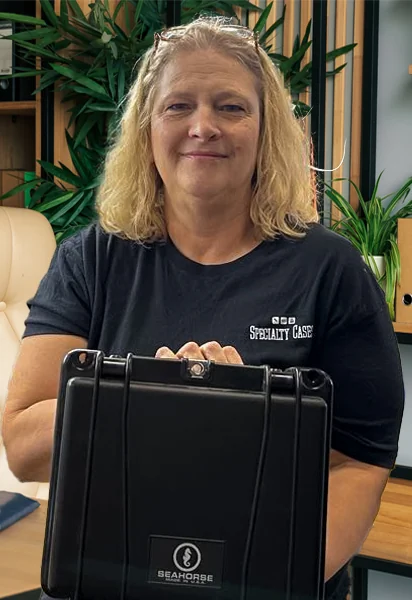
Tell us what you’re trying to protect (dimensions, weight, use-case) and we’ll help you pick the right case.
Checking availability…
Would you like us to check stock for a specific case?
Send the product and quantity. We’ll confirm availability, lead time, and practical alternatives.
Send a message and our team will follow up by email.